Integration phase
ZATCA Phase 2, explained by what it asks of you.
Phase 2 — the integration phase — means your invoices are signed with a certificate ZATCA issued to your device, carry a Phase 2 QR code, and reach ZATCA either before or just after they reach your customer. Here is who it applies to, what the two submission routes are, and what onboarding involves.
Nizamics runs Phase 2 in production today. The device key is generated on our server in Jeddah, stored encrypted, and never shown to anyone.
You can complete every step below in ZATCA’s simulation environment first, where nothing you issue is a real invoice.
Who must integrate, and when
The last two waves reach almost every VAT-registered business.
ZATCA brings taxpayers into the integration phase in waves, by VAT-taxable revenue. The two most recent are below, read from our open dataset of ZATCA’s announcements.
Wave 24
VAT-taxable revenue above SAR 375,000 in any of 2022, 2023, 2024
Integration was due no later than June 30, 2026
ZATCA announcementWave 25
VAT-taxable revenue above SAR 187,500 in any of 2022, 2023, 2024, 2025
Integration no later than February 1, 2027
ZATCA announcement
ZATCA notifies each business directly; the wave is not something you opt into. If you are not sure which one you are in, the lookup answers from your revenue figure, and the compliance map puts the date beside your other obligations.
The two routes
Clearance and reporting are not the same obligation.
Which one applies depends on who you are invoicing, and it changes what happens at the moment you press issue.
Standard invoice, to a business — clearance
The invoice is signed and sent to ZATCA first. ZATCA stamps it and returns it, and only then is it valid to give to your customer. If ZATCA is unreachable, the invoice cannot be issued — this is the case where an outage stops you.
Simplified invoice, to a consumer — reporting
The invoice is signed and given to your customer immediately, with its QR code. It is reported to ZATCA afterwards, within 24 hours. A queue and an automatic retry cover a gateway that is briefly unreachable.
Credit and debit notes
They follow the invoice they correct: a note against a standard invoice is cleared, a note against a simplified one is reported. An issued document is never edited or deleted — a correction is always a new document that references the original.
How onboarding works
Four steps, about ten minutes.
Your business profile
Legal name, VAT number, commercial registration and national address, exactly as ZATCA holds them. A mismatch here is the most common reason onboarding fails.
An OTP from the Fatoora portal
You sign in to ZATCA’s Fatoora portal yourself, choose to onboard a new device and copy the one-time code. It is valid for one hour. We never ask for your portal password.
ZATCA’s compliance checks
We generate the device’s key and certificate request, send ZATCA the sample documents it asks for, and receive the device’s certificate. The private key is created on our server in Jeddah, stored encrypted, and never shown to anyone.
Live
The device can sign. Do all of this in simulation first: it uses ZATCA’s test environment, and nothing it signs is a real invoice. Then repeat it in production with a new OTP.
What a device is
ZATCA onboards a device, not a company.
ZATCA calls it an EGS unit. It matters because it is what the limits and the certificates attach to.
One device per till or point of issue
A shop counter with two tills is two devices, each with its own certificate and its own invoice counter. The free plan covers 2 registers per branch.
Each device keeps an unbroken chain
Every invoice carries a counter value and the hash of the one before it. That chain is what proves nothing was removed, which is why an issued invoice cannot be deleted.
Certificates expire
A device certificate has to be renewed with a fresh OTP before it lapses, or that device stops signing. The dashboard flags one that is approaching expiry.
See it running
Example businesses on Nizamics, each with its own website.
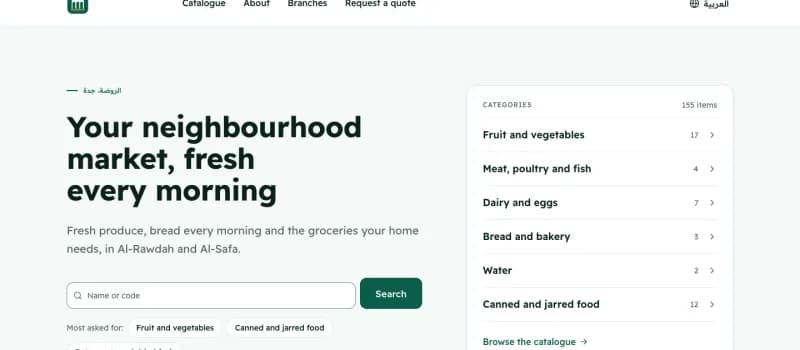 Example
Ruwaq Al-Hay Market
Mini-market · Jeddah
In the walkthrough: Every till receipt is a simplified tax invoice with its QR code, reported afterwards.
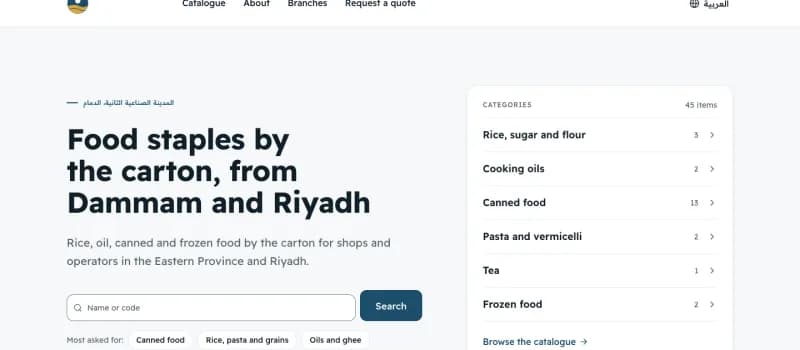 Example
Rimal Al-Dana Food Distribution
Food wholesale · Dammam and Riyadh
In the walkthrough: Standard invoices cleared before they reach the buyer.
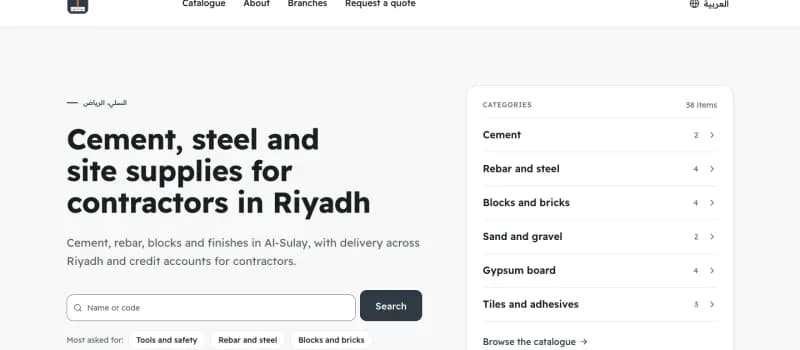 Example
Mismar & Mouna Building Supplies
Building materials · Riyadh
In the walkthrough: A contractor’s invoice on credit, cleared before the goods leave the yard.
Examples: the businesses are invented; their invoices go to ZATCA’s test environment.
Questions
What Phase 2 actually requires.
- What is the difference between Phase 1 and Phase 2?
- Phase 1 (generation) required an electronic invoice with a QR code, and has applied to everyone since December 2021. Phase 2 (integration) adds a certificate issued to your device, a cryptographic stamp, the Phase 2 QR code, and submission to ZATCA — clearance for standard invoices, reporting within 24 hours for simplified ones. ZATCA brings businesses into Phase 2 in waves.
- How do I know which wave I am in?
- ZATCA notifies you directly, and the criterion is your VAT-taxable revenue in the years the wave names. The wave lookup on this site answers from your revenue figure and shows the ZATCA announcement behind it, but your own notification from ZATCA is what binds you.
- Is it safe to give the OTP to a software provider?
- The OTP from the Fatoora portal authorises one device onboarding and expires within the hour. It is not your portal password and we never ask for that. It is used once, together with a certificate request, to obtain that device’s certificate from ZATCA.
- What is the simulation environment for?
- It is ZATCA’s test environment. Documents signed there are not tax invoices and must never be given to a customer, which makes it the right place to make your first mistakes. When the output looks right, you repeat onboarding in production with a new OTP.
- Is Phase 2 included in the free plan?
- Yes. Signing, the QR code, clearance and reporting are all in the free plan. ZATCA invoicing, accounting and stock are never held back; the limits are on the shape of the business. Free for 1 branch, 3 users and 2 tills per branch, with up to 1,000 products. Unlimited invoices and customers.
This page describes software and summarises ZATCA’s published rules. It is not tax advice, and your own notification from ZATCA is what binds you. Read the terms of use and the privacy policy before you sign up.
Next